You have the logo. The polos are picked. The quantity is confirmed.
Then the upload box asks for an artwork file, and the easy part suddenly feels technical.
Your folder may contain an AI file you cannot open, two PDFs, a transparent PNG, an old JPG and perhaps a DST file from a previous order. Which one should you send?
For most projects, the answer is straightforward:
The best file format for logo embroidery is usually AI, EPS or a PDF containing true vector artwork. If those files are unavailable, send the clearest, largest PNG or JPG you have. A DST is different. It is a machine stitch file created during digitizing, not usually the original logo file a customer needs to provide.
This choice matters because embroidered apparel often introduces people to a business. In PPAI’s October 2025 consumer research, 76% of respondents said they had looked up the brand connected to a promotional product they received. A logo on a shirt or hat is not just decoration. It may become someone’s first close look at the brand.
- Send AI, EPS or a true vector PDF when available.
- A clear PNG or JPG may still be usable.
- A PDF is not automatically a vector file.
- Customers usually do not need to create a DST file themselves.
- Size, fabric, placement and logo detail affect the result as much as the filename.
What is the best file format for logo embroidery?
AI, EPS and vector PDF files normally provide the best starting artwork for a professional embroidery project.
These formats can contain vector graphics. Vector artwork is built from shapes, lines and curves rather than a fixed grid of pixels. That allows the artwork to be resized without creating the fuzzy edges often seen when a small JPG is enlarged.
Adobe identifies AI, PDF, EPS and SVG as formats that can preserve Illustrator artwork, although the way a file was created and saved still matters. A file extension alone cannot confirm that the contents are clean, editable vector artwork.
“Preferred” does not mean “required.”
Many businesses no longer have the original logo package from their designer. A clear PNG, JPG or even a screenshot may still provide enough information to rebuild the design. The practical first step is to send the best version available for review.
When planning company logo and uniform embroidery, include the garment, placement and intended logo size along with the artwork. Those details help determine whether the design will work in thread.
Why can’t an embroidery machine sew a PNG or PDF directly?
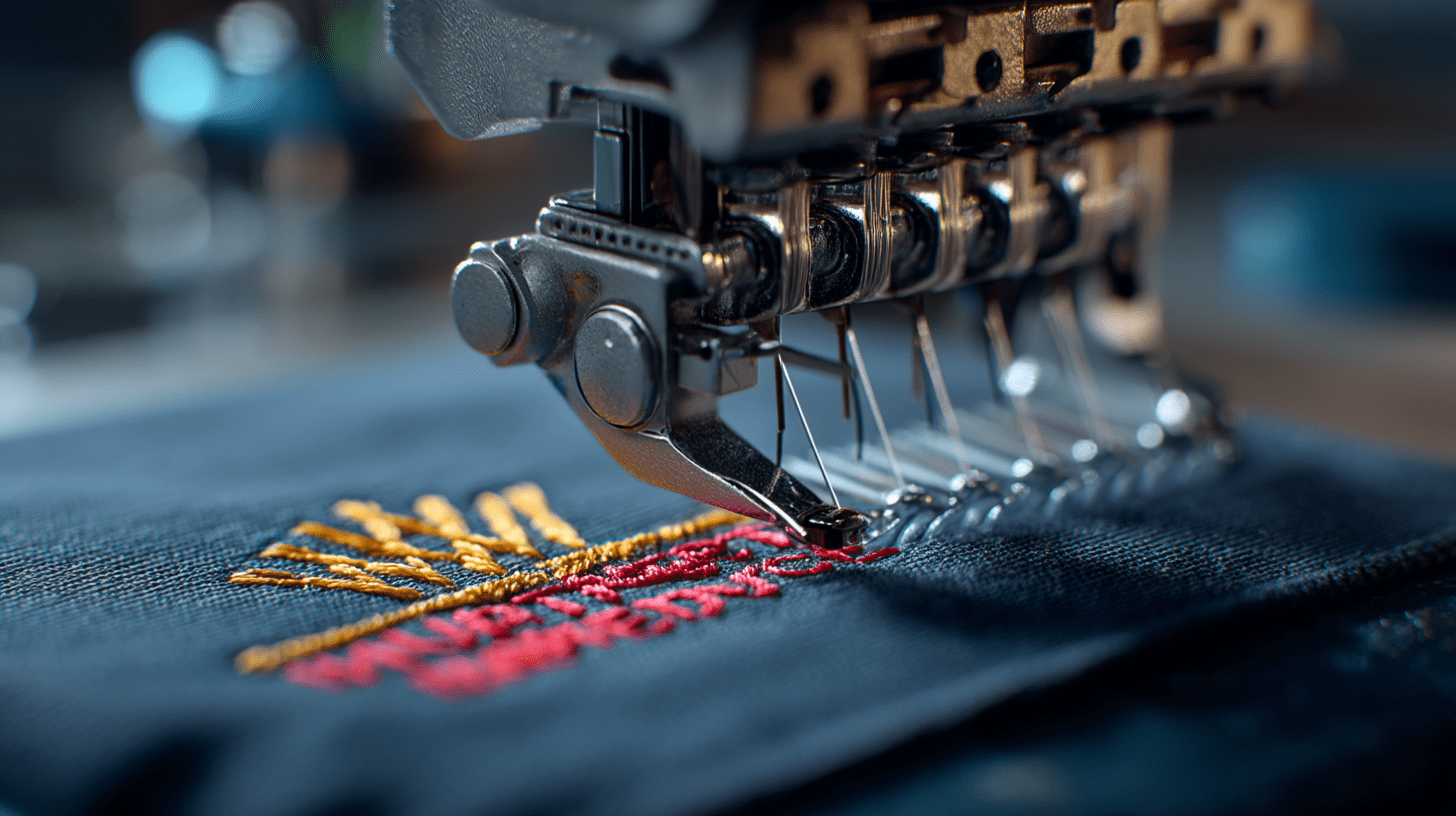
A graphics file shows what the logo should look like. An embroidery file tells the machine how to sew it.
The two files may display the same logo on a screen, but they contain very different instructions.
A digitized embroidery design can control:
- Stitch Type
- Stitch Direction
- Stitch Density
- Sewing Order
- Underlay
- Trims And Jumps
- Color-Change Stops
- Pull Compensation
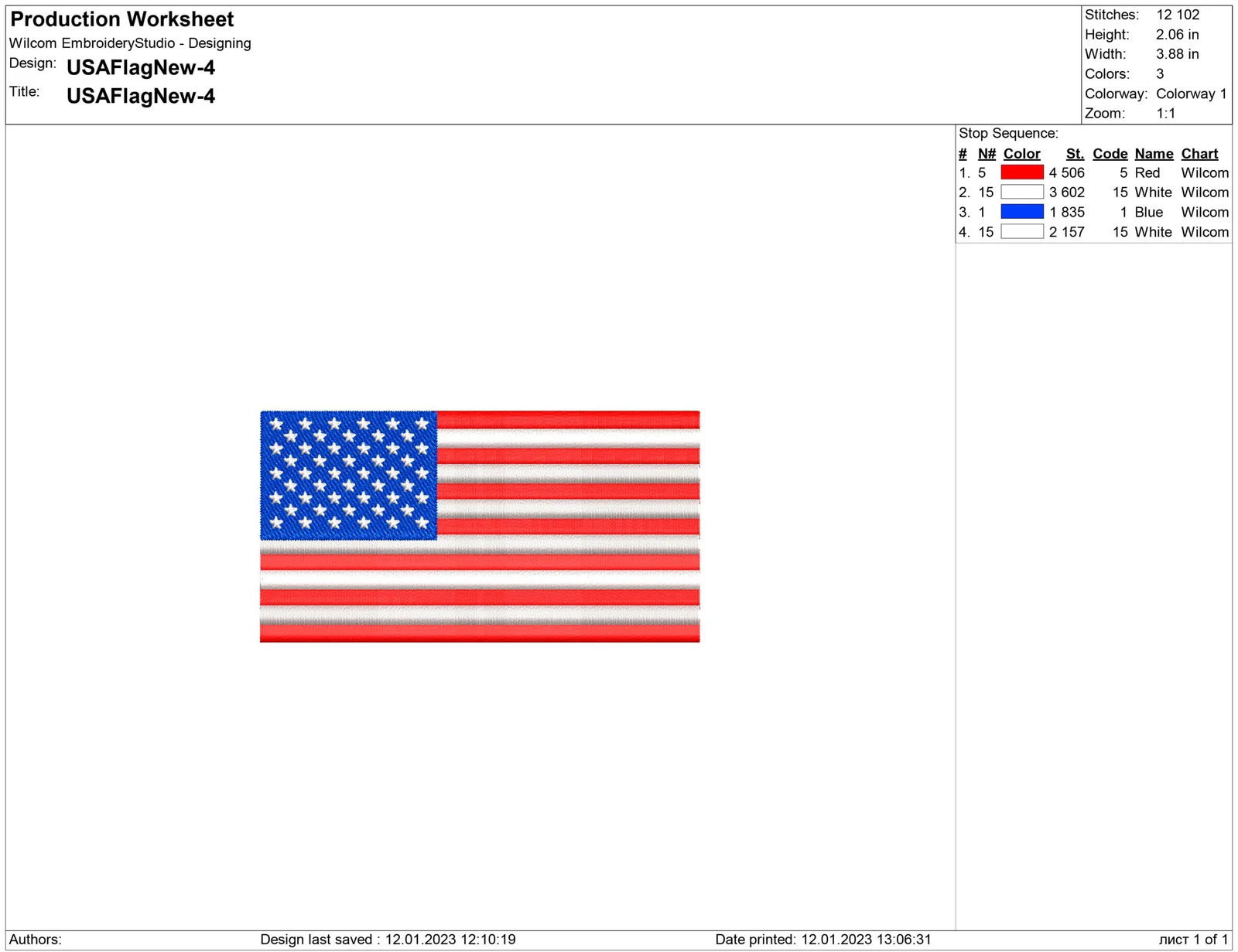
Wilcom separates embroidery files into two broad categories. Design files contain editable objects and stitch settings. Machine files contain lower-level stitches and machine functions used during production. Its EMB format is an editable design format, while DST is a machine format associated with Tajima systems.
That is why changing a filename from logo.png to logo.dst does nothing useful. The design must be digitized.
Digitizing is not ordinary file conversion. Someone must decide how the design should be rebuilt with thread. Auto-digitizing may provide a starting point for simple artwork, but it cannot reliably replace production judgment for small lettering, borders, overlapping shapes and detailed logos.
AI, EPS, PDF, PNG, JPG and DST compared
| File type | What it normally contains | Should you send it? | What to know |
| AI | Editable vector artwork | Yes | Usually an excellent source when fonts and linked elements are included |
| EPS | Vector or mixed artwork | Yes | Useful for transferring scalable logo artwork |
| Vector artwork, pixel images or both | Usually | The file must be inspected | |
| PNG | Pixel-based image, often with transparency | Often | Send the largest and sharpest original |
| JPG/JPEG | Compressed pixel-based image | Sometimes | Blur and compression can hide important detail |
| SVG | Scalable vector artwork | Often | Useful when it imports correctly and fonts display as intended |
| DST | Machine stitch instructions | If available | It may need adjustment for the new garment, placement or size |
| EMB | Editable embroidery design information | Helpful if available | It can retain more production information than a basic machine file |
The table helps identify the files, but it cannot approve them.
Two files with the same extension may behave very differently. One PDF may contain clean vector paths. Another may contain a small screenshot placed on a PDF page.
Is an AI or EPS file always ready for embroidery?
Not necessarily.
AI and EPS are strong source formats, but a designer can still place a low-resolution picture inside either file. Fonts may be missing. Effects may not import properly. Thin outlines and tiny wording may also be unsuitable at the requested embroidery size.
When possible, ask the original designer for:
- The editable vector logo
- Fonts converted to outlines
- Linked images embedded in the file
- Clearly identified brand colors
- A PNG or PDF preview showing how the logo should look
The preview gives the embroidery team a visual reference. If the working artwork opens differently from the preview, the problem can be caught before digitizing begins.
Is every PDF a vector file?
No. PDF is a container, not a guarantee of artwork quality.
Think of it like an envelope. The envelope may hold a clean vector logo, a large photograph or a tiny JPG copied from a website.
Saving a blurry JPG as a PDF does not convert it into vector artwork.
Zooming in can provide a quick clue. Vector edges usually remain smooth, while raster artwork eventually shows pixels or blur. This check is useful, but it does not replace a proper artwork review.
Send the PDF along with any AI, EPS, SVG, PNG or brand guide available. More context reduces guesswork.
If the design contains a photograph, soft shadow or complex gradient, compare embroidery and screen printing before choosing the decoration method. Some artwork is better suited to ink than thread.
Can a PNG or JPG logo be embroidered?
Yes, in many cases.
A clear PNG with a transparent background can be an excellent visual reference. A large JPG may also contain enough detail for the logo to be traced or redrawn.
A usable raster image should have:
- clean, recognizable edges
- readable lettering
- clear separation between colors
- enough size to inspect small details
- no important elements cropped out
- little visible compression or blur
Do not enlarge a tiny website image before sending it. Making the dimensions larger does not restore missing detail.
Send the untouched original instead. An artwork specialist can evaluate it more accurately than an artificially enlarged copy.
For promotional apparel embroidery, also mention whether the logo will appear on polos, jackets, caps, bags or several different products. One version may not be appropriate for every item.
Can a screenshot be used for embroidery?
A screenshot can be used as a reference when nothing better exists, but it is rarely the best production source.
Screenshots often contain anti-aliased edges, low resolution, background colors or compression introduced by social media and messaging apps. Text may become especially difficult to identify.
Send the screenshot anyway, along with any other useful reference:
- Business Card
- Website Header
- Vehicle Graphic
- Printed Brochure
- Previous Embroidered Garment
- Brand Guide
- Photograph Of A Sign
These references can confirm unclear wording, colors and shapes.
The goal is not to reject imperfect artwork. The goal is to understand the logo well enough to rebuild it accurately.
What happens when a logo is digitized?
The digitizer turns the visual logo into a sewing plan.
The artwork is first reviewed at the intended finished size. The digitizer then decides which stitch type should form each area.
Narrow lettering or borders may use satin stitches. Larger areas may use fill stitches. Underlay can support the visible stitching and help control the fabric.
Stitch order matters too. Sewing one part before another can affect alignment, outlines and fabric movement. Pull compensation adjusts shapes to account for the way thread tension draws stitched areas inward.
This is also why a logo prepared for a polo may not sew correctly on a structured cap. A flat left-chest area behaves differently from a curved cap front with a center seam.
Professional digitizing involves interpreting the artwork for the actual garment. It is not simply pressing “convert.”
What affects the embroidered result besides file format?
The filename is only the beginning. Five other factors can change the result.
A detailed logo may look clear at four inches wide but become crowded at two and a half inches.
Always provide the intended finished width or height.
2. Small lettering and thin lines
Tiny taglines can fill in. Hairline details may disappear or need to be thickened.
A slightly simplified logo is often easier to recognize than a detailed logo forced into too little space.
3. Fabric and garment structure
A stable jacket, stretchy performance polo, fleece, knit beanie and structured cap respond differently to stitching.
Fabric weight, texture, stretch and seams influence the backing, density and stitch plan.
Left-chest embroidery, a sleeve, cap front and bag pocket provide different spaces. The same design may need a new size or layout for each placement.
Thread reflects light and sits on top of colored fabric. It may not look identical to the color displayed on a monitor.
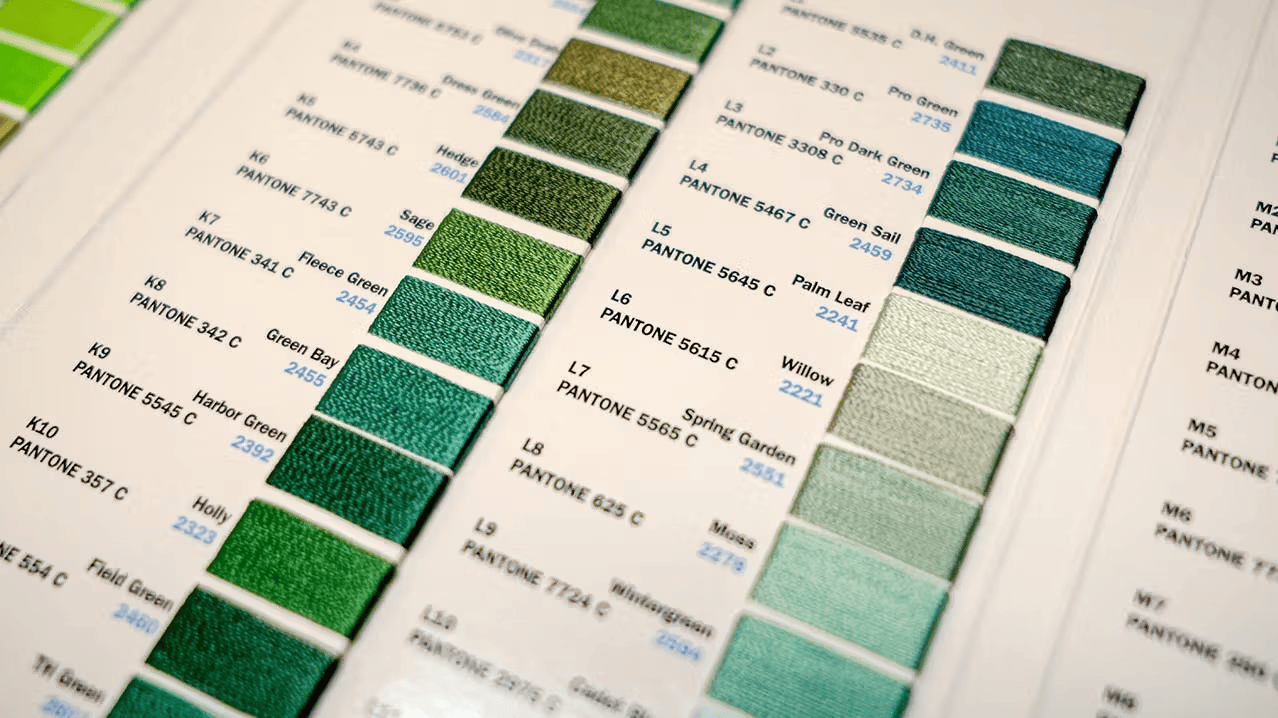
Provide Pantone references or brand-color information when available, but approve the closest suitable thread against the actual garment color.
What should you send with your logo?
Use this seven-point checklist:
- Best available artwork: AI, EPS, vector PDF, SVG, PNG or JPG
- Existing embroidery files: DST or EMB, if available
- Visual reference: Brand guide, PNG preview or photo of a previous result
- Product: Polo, jacket, hat, bag, uniform or another item
- Placement and size: For example, left chest at approximately 3.5 inches wide
- Quantity and colors: Include garment colors and important brand references
- Required date: State when the completed items are actually needed
The website’s published order process asks customers to provide artwork, item type, quantity, size, placement, thread colors and desired timing. It also includes a design-review and approval stage before production begins.
This information is more useful than sending a file with no explanation.
What if you already have a DST file?
Send it, but include the original logo too.
A DST may work when it was created for the same design, size, placement and type of garment. It may not work as well when any of those conditions change.
A large resize can affect:
- Stitch Density
- Border Alignment
- Letter Spacing
- Small Details
- Fill Patterns
- Registration Between Colors
Machine files are designed for production rather than extensive editing. Wilcom describes them as lower-level files containing stitch coordinates and machine functions.
When possible, also send a photograph of the previous embroidery. That gives the reviewer a visual target and helps show whether the old result should be repeated or improved.
Do this, not that
Do: Send the original file supplied by the logo designer.
Not that: Download the logo from the business website.
Do: State the garment, placement and finished size.
Not that: Ask for a “normal logo size” without explaining where it will go.
Do: Include an existing DST if one is available.
Not that: Assume it works for every garment and size.
Do: Point out wording, symbols and colors that must remain.
Not that: Wait until production to mention an important detail.
Do: Accept practical simplification when a design is too detailed.
Not that: Force every screen effect into thread.
Conslusion
Most customers do not need embroidery software or a machine-ready file.
Send the best artwork you have. AI, EPS and a true vector PDF usually give the clearest starting point. A sharp PNG or JPG may still be usable. A DST can help when it already exists, but it should be reviewed for the intended size, garment and placement.
The best file format for logo embroidery makes the artwork easier to understand. The final quality still depends on thoughtful artwork review, skilled digitizing and a stitch plan created for the actual product.
To have artwork reviewed for custom embroidery in Kansas City, contact GoldenWorks Embroidery at +1 913 667-9827 or info@goldenworksembroidery.com. You can also request a quote and attach your logo file.
FAQs
What is the best file format for logo embroidery?
AI, EPS or a true vector PDF is usually best. These formats normally provide clear shapes and edges for preparing a professional embroidery design.
Usually not. Most customers send their original artwork, and the embroidery provider creates the appropriate digitized design and machine stitch file.
Can I send a PNG for embroidery?
Yes. Send the largest and sharpest original PNG available. A transparent background helps, but clean edges and readable details matter more.
No. A PDF may contain vector artwork, pixel images or both. Its contents must be inspected before production.
Can a JPG logo be embroidered?
Often, yes. A large, clean JPG may be traced or redrawn. A small or heavily compressed JPG may require more artwork preparation.
Can a screenshot be used for embroidery?
It can serve as a reference when nothing better is available, but it may need cleanup or complete redrawing before digitizing.
Why does a logo need to be digitized?
An embroidery machine needs stitch instructions rather than a picture. Digitizing assigns stitch type, direction, density, order, underlay, trims and compensation.
Can small text be embroidered clearly?
It depends on the font, spacing, size, fabric and stitch plan. Small wording may need to be enlarged, thickened or simplified.
Can gradients or photographs be embroidered?
Thread cannot reproduce a smooth digital gradient exactly. The artwork may need fewer colors, simplified shading or a different decoration method.
Can the same DST file be used at every logo size?
Not always. Significant resizing can affect density, spacing, borders and fine details, so the file should be reviewed for the intended finished size.